Nile Local
A fully local AI Data IDE and data stack
What is Nile Local?
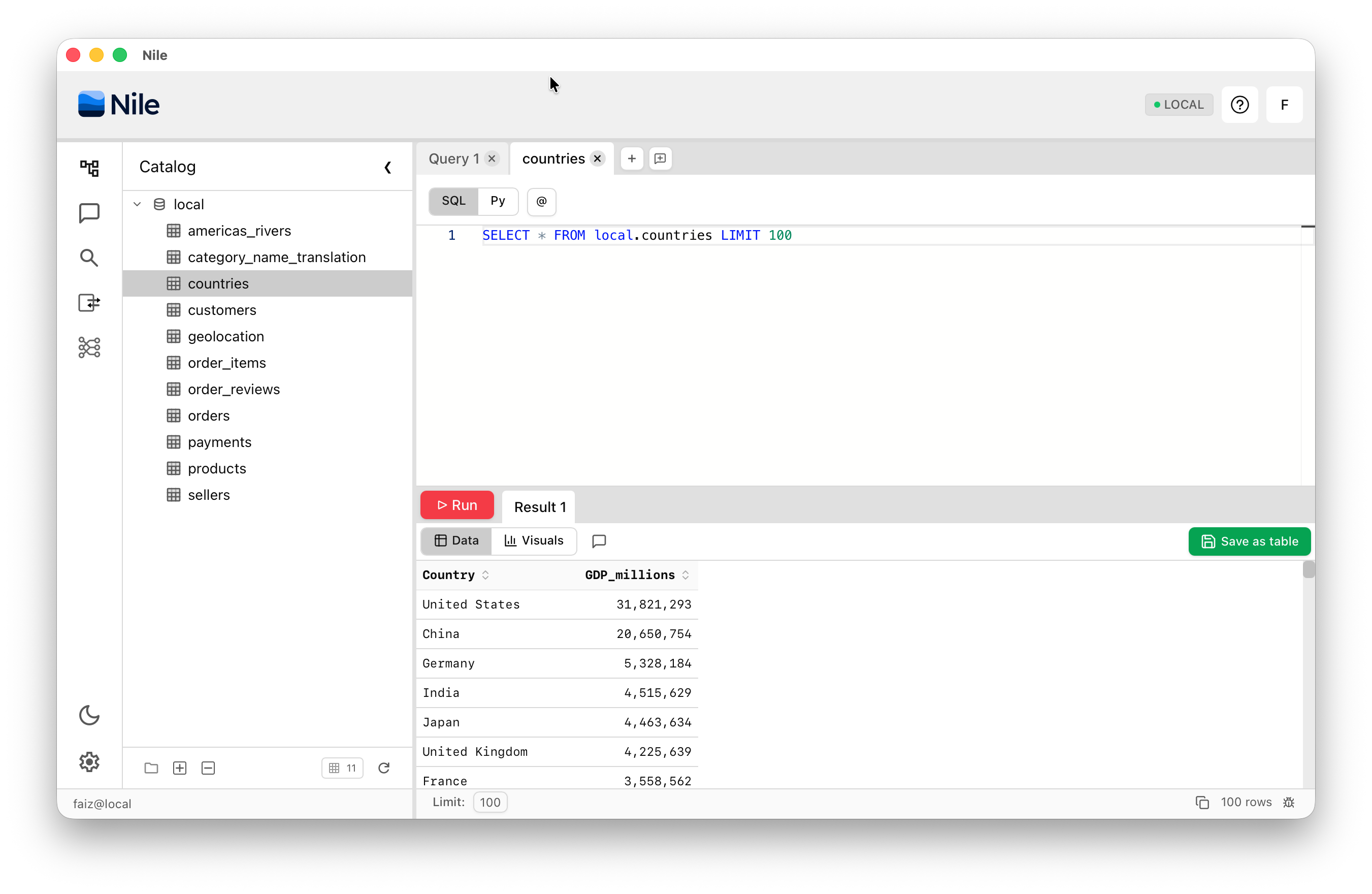
Nile Local is a fully local AI Data IDE and data stack. Download it, point it at your data, and get storage, compute, zero-ETL ingestion, lineage, versioning, and AI-assisted analytics running entirely on your machine. You can run AI-assisted data analytics and engineering even while offline — no cloud account required.
Use it for side projects or on larger work projects to develop in SQL or PySpark, test your data pipelines locally and interactively, and iterate quickly — all before deploying to your cloud infrastructure. You can use the embedded local LLMs or connect a cloud AI provider to ask questions about your data and get first-class data analysis and data engineering done for you.
- Minimum: 16 GB RAM — sufficient for non-AI capabilities (querying, imports, versioning)
- Recommended: 32 GB RAM — enables local AI models (Gemma, Qwen) for AI-assisted analytics
- Platforms: macOS and Windows
What's Running Locally
The entire data stack runs on your machine. Here's what you get:
Storage & Compute
- Local data store with full read/write — no S3 or Snowflake account required
- Spark compute environment that reliably manages your concurrent queries
Zero-ETL Ingestion
- Import from a database, webpage, CSV, Excel, or any file source directly
- Save your query results as new tables, with ETL created behind the scenes
Lineage & Versioning
- Every transformation is tracked — follow the flow of data across your DAG
- Roll back to any prior healthy state of your data, schema, and ETL
AI-Assisted Data Engineering & Analytics
- Connect Claude, Gemma, or Qwen to query and analyze your data
- Let AI handle data engineering tasks with your review and approval
- No need to write admin scripts — AI can automate everything you do via the UI
Next Steps
Ready to get started? Head over to the Installation & Getting Started guide to download Nile Local and start working with your data.