Niyaz Puzhikkunnath • May 2026 • 5 min read
Query Snowflake Data Directly in Nile
Nile now lets you connect Snowflake, ask a business question, and run AI-assisted analysis on Snowflake compute without importing the data first.
Until now, Nile supported Snowflake by importing data into Nile-managed tables. That is still the right path when you want Nile's native versioning, rollbacks, lineage, and joins across systems.
Today we are adding another option: query Snowflake in place from Nile. Connect directly, inspect schemas and sample data, and ask Nile's AI assistant to run analytical queries against your Snowflake warehouse.
This is useful when your compute already lives in Snowflake, or when you want to try Nile on existing warehouse data before moving anything into a Nile-managed environment.
If you want to see the flow end to end, you can also watch the Nile Snowflake integration video.
AI Should Not Start With a Modeling Project
Snowflake Cortex AI is a strong signal for where data platforms are going: AI should run close to governed enterprise data, with secure access to the warehouse where teams already work.
For structured business questions, many warehouse-native AI workflows depend on a semantic layer: entities, metrics, dimensions, joins, verified queries, and custom instructions that map business language to physical schemas.
That curation can be valuable for mature BI workflows, but it takes time. Someone has to choose tables and columns, document business definitions, define relationships, add trusted examples, and keep the model clean as the warehouse changes.
Nile takes a different path. After you connect a data source, Nile inspects schemas, previews data, studies relationships, checks quality, uses ETL and lineage context where available, and decides which sources are relevant while it works.
Start With a Snowflake Connection
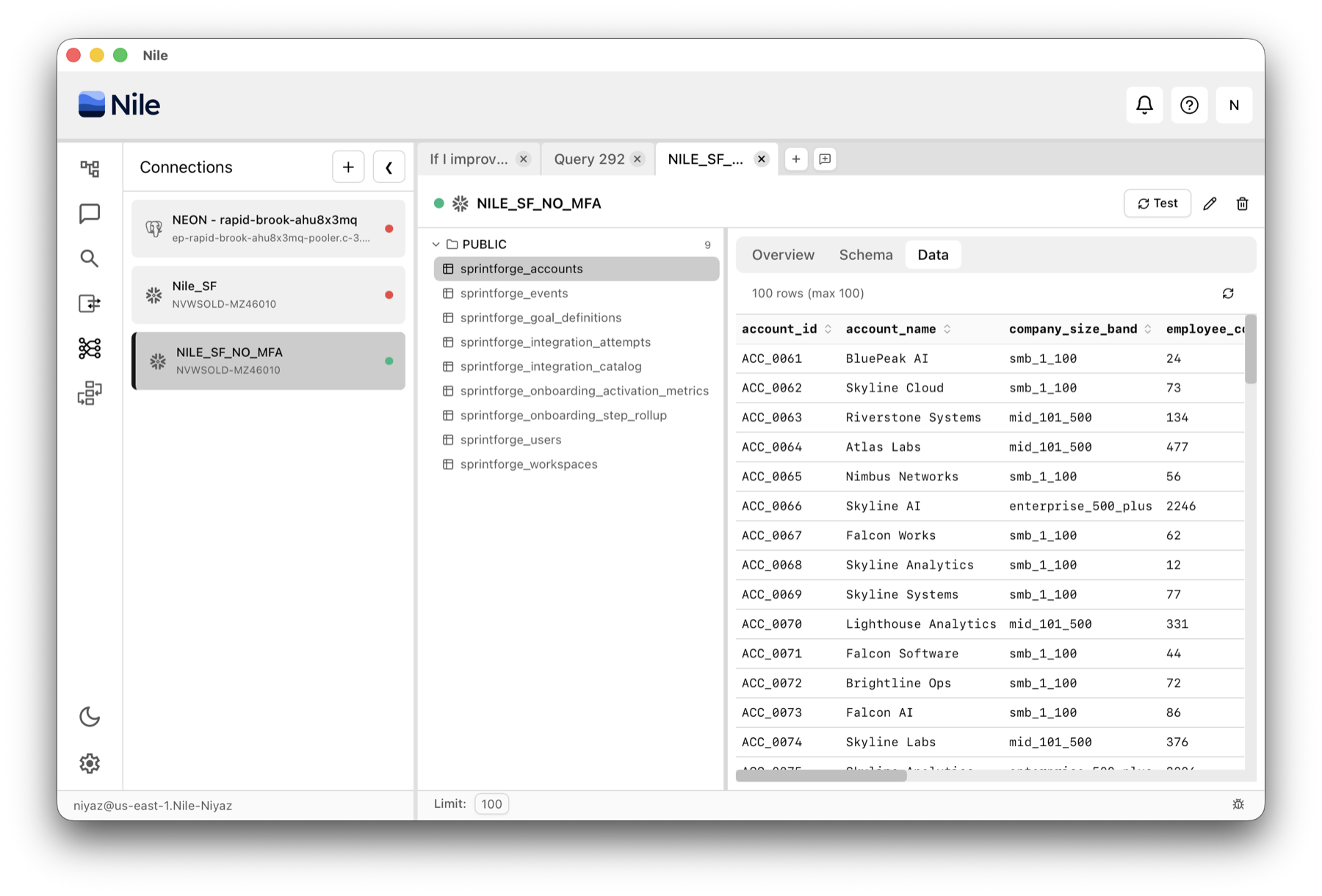
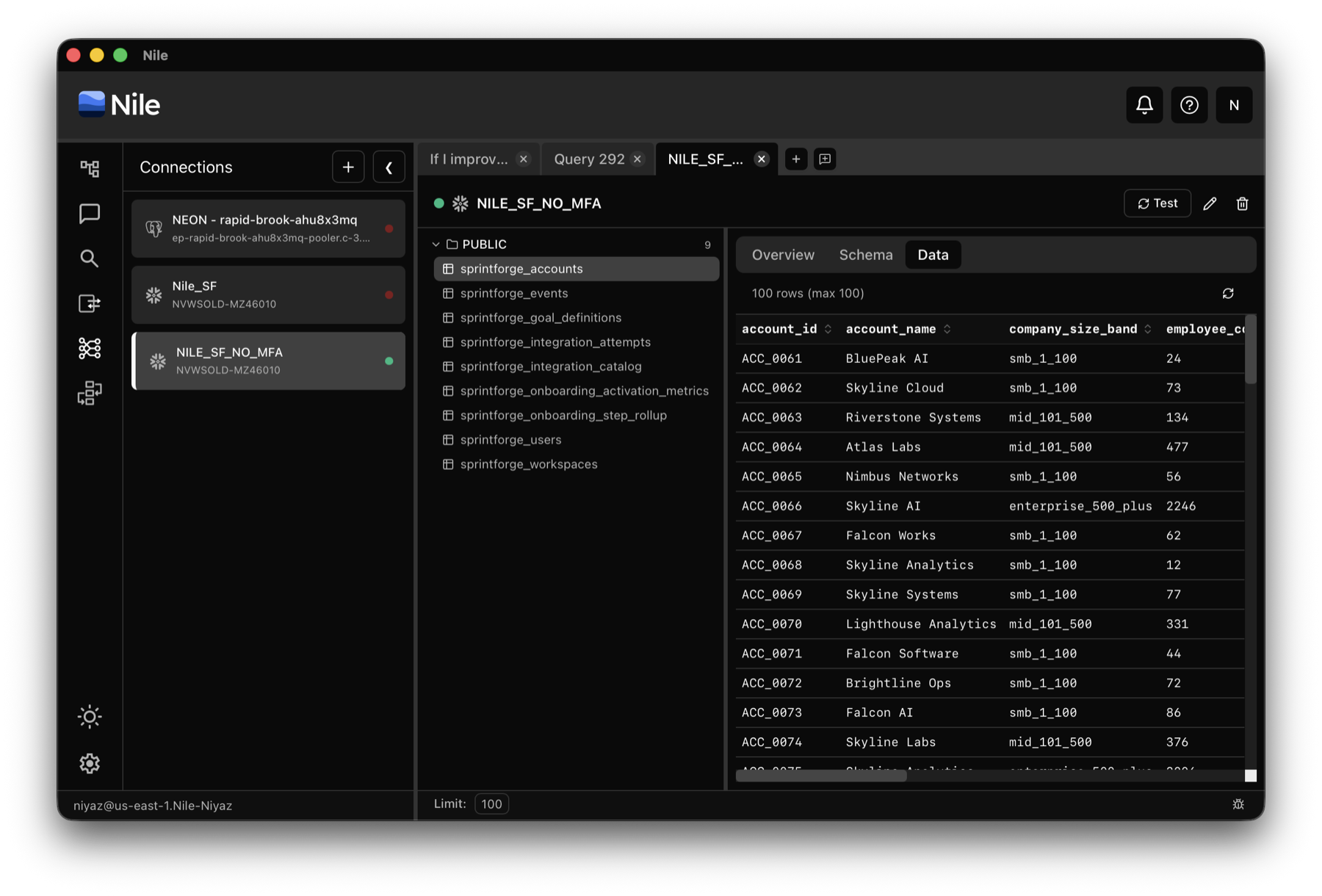
From the Connections panel in Nile, add a Snowflake connection the same way you would add any other source. You can test the connection, browse schemas, select tables, inspect column metadata, and preview sample rows.
This gives Nile the catalog context a data analyst would gather before writing SQL: schemas, tables, columns, and representative data.
Ask a Business Question Without Naming Tables
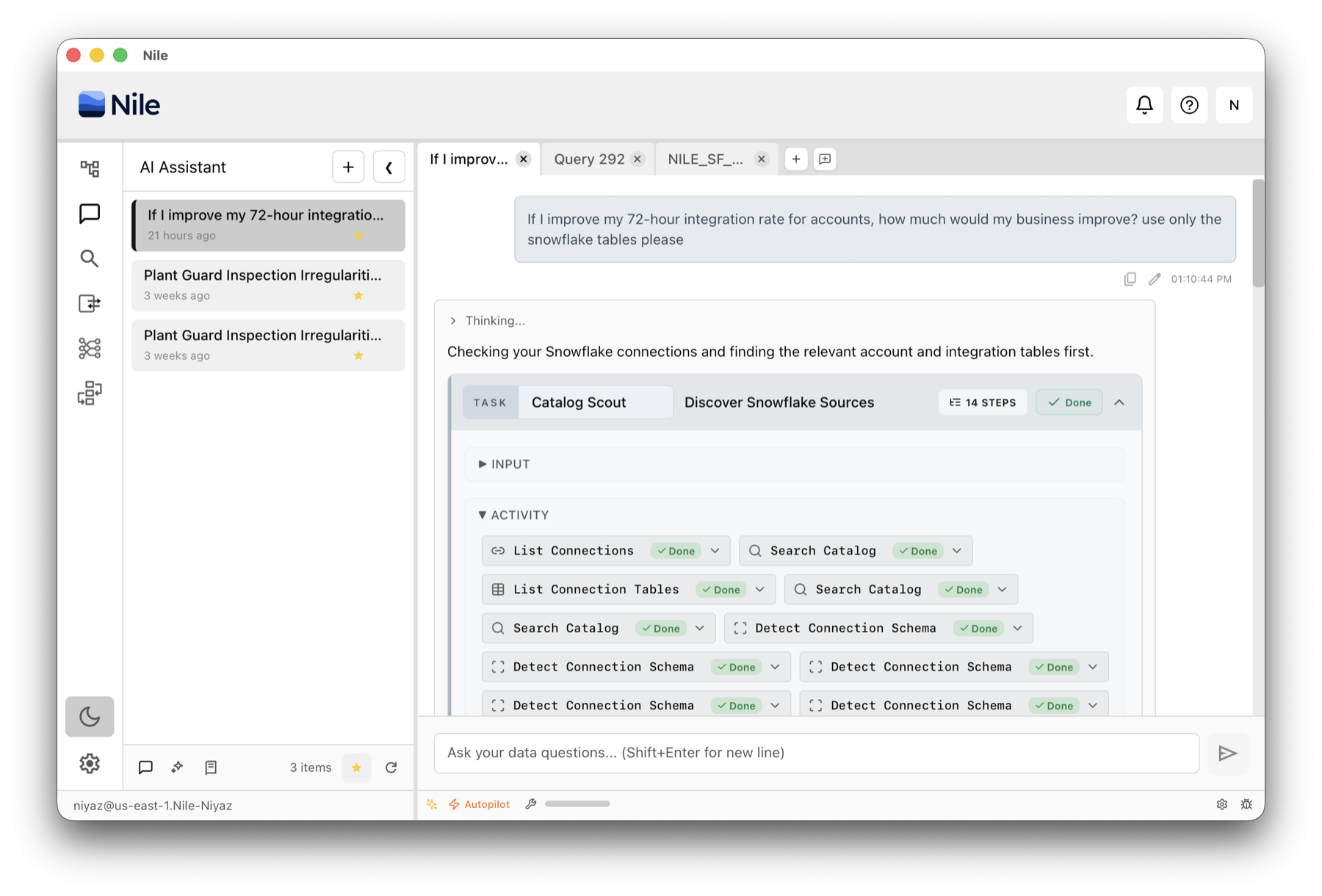
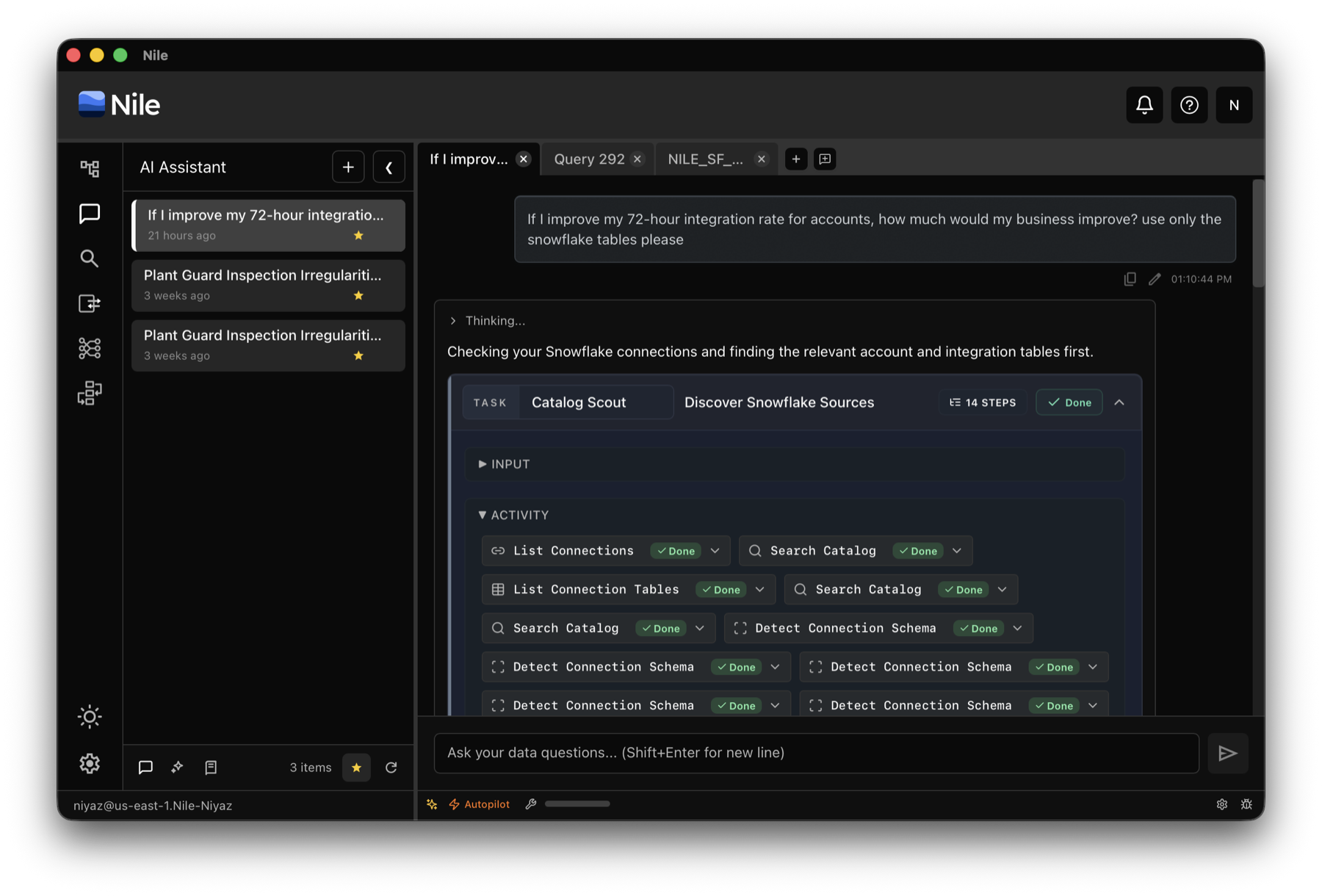
You can ask a high-level business question in plain English, without naming the exact tables, joins, or columns that should be used.
Nile reads the connected Snowflake catalog, identifies candidate tables, and decides which columns are relevant. If you ask about customer activation, onboarding, revenue, or product usage, Nile can find the tables that describe those concepts.
When needed, it asks for clarification, checks data quality, chooses primary and secondary sources, and avoids data that should not be used.
Run the Query on Snowflake Compute
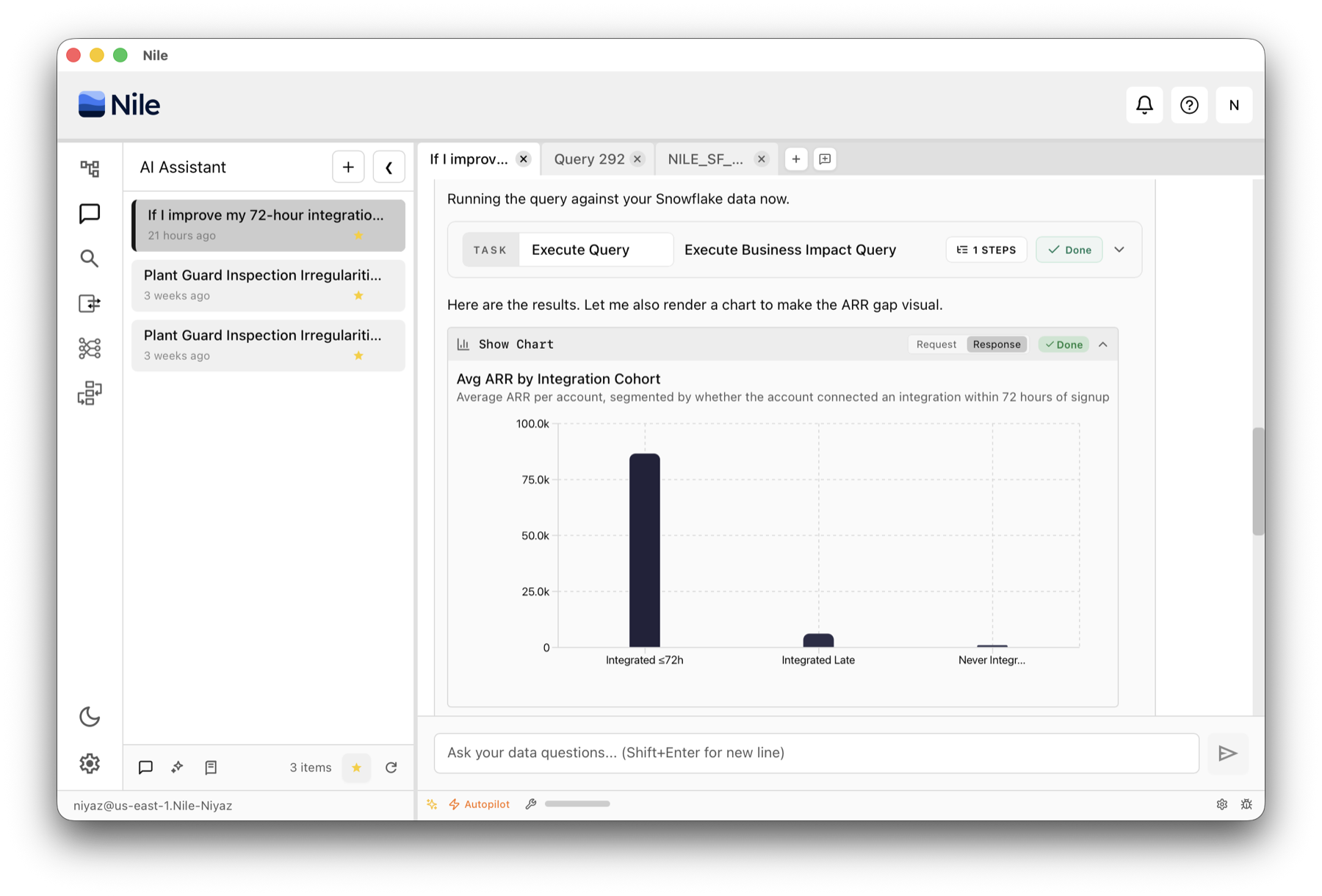
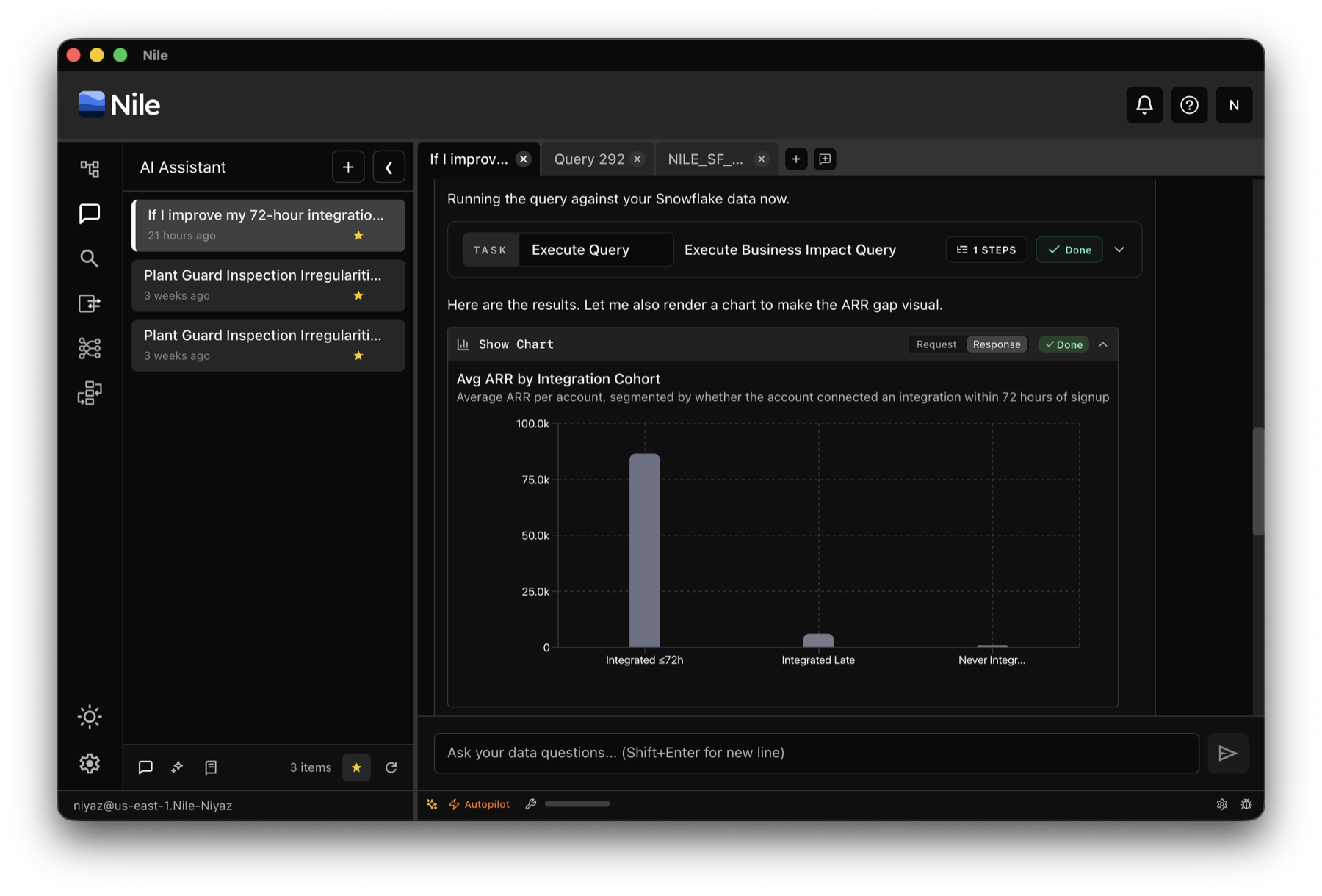
After discovery, Nile plans the query and executes it against Snowflake. The compute used is your Snowflake warehouse, so teams that already have Snowflake as their only analytical compute can still use Nile for AI-assisted analysis.
Once results come back, Nile can render a chart, explain the answer, and call out caveats. For business-impact questions, that means you get the query, visualization, interpretation, and assumptions to check before presenting the result.
There is no separate knowledge base to configure. Add the connection and ask the question.
When to Import Instead
Direct Snowflake querying is designed for fast setup and in-place analysis. It is not a replacement for importing data into Nile when you need Nile-managed data engineering primitives.
Use direct querying when your data and compute already live in Snowflake and you want immediate AI-assisted analysis. Import Snowflake data into Nile when you need:
- •Cross-system joins: Join Snowflake data with datasets that live outside Snowflake.
- •Native versioning and rollback: Store the data as a Nile-managed dataset with version history and rollback behavior.
If you need those capabilities, import the Snowflake data into Nile. If you want to ask questions over Snowflake data where it already lives, direct querying is the faster path.
Snowflake direct querying makes Nile easier to adopt for teams standardized on Snowflake. Keep Snowflake as the execution engine while Nile discovers data, reasons through schemas, writes SQL, visualizes results, and explains caveats.
For deeper managed workflows, Snowflake import remains available. The important change is that teams now have both options.
Snowflake Direct Query FAQ
Can Nile query Snowflake data without importing it?
Yes. Nile can connect to Snowflake and run analytical queries directly against Snowflake using your Snowflake warehouse compute, without first copying the data into Nile.
Does Nile still support importing Snowflake data?
Yes. Importing Snowflake data into Nile remains available and is still the right choice when you want Nile-managed versioning, rollback, lineage, and joins with datasets outside Snowflake.
What setup does Nile require before asking AI questions about Snowflake data?
After connecting Snowflake, Nile can inspect schemas, preview data, study relationships, check data quality, and use ETL and lineage context where available. You do not have to pre-build a semantic model before asking the first question.
What are the tradeoffs of querying Snowflake directly instead of importing data into Nile?
Direct querying is the fastest way to analyze Snowflake data in place, but data that is not imported into Nile does not get Nile-native versioning and rollback, and it cannot be joined with datasets that live outside Snowflake.
Try Snowflake Direct Querying in Nile
Connect Snowflake to Nile and ask business questions directly against your warehouse data.